
AWS DevOps Agent's new feature: Create weekly SRE reports with custom agents.
This is Yuta Kikai (@fat47) from the Service Reliability Group (SRG) of the Media Management Division.
#SRGThe Service Reliability Group primarily provides comprehensive support for the infrastructure surrounding our media services, focusing on improving existing services, launching new ones, and contributing to open-source software (OSS).
This article describes how to create a weekly SRE report using the new custom agent feature of the DevOps Agent.
I hope this is of some help.
AWS DevOps Agent SRE agent functionalityLet's try creating an agent to generate weekly SRE reports.Create a custom agentRunning a custom agentCron execution of a custom agentThings to consider in terms of operationIn conclusion
AWS DevOps Agent SRE agent functionality
The custom agent feature was released on June 12, 2026.
By creating custom agents, you can have them generate regular reports on metrics, alerts, and incidents.
For more information about the DevOps Agent itself, please refer to this previous article.
Let's try creating an agent to generate weekly SRE reports.
Create a custom agent
You can create an agent from "Agents" → "Create Agent" in the DevOps Agent's Operator Access section.
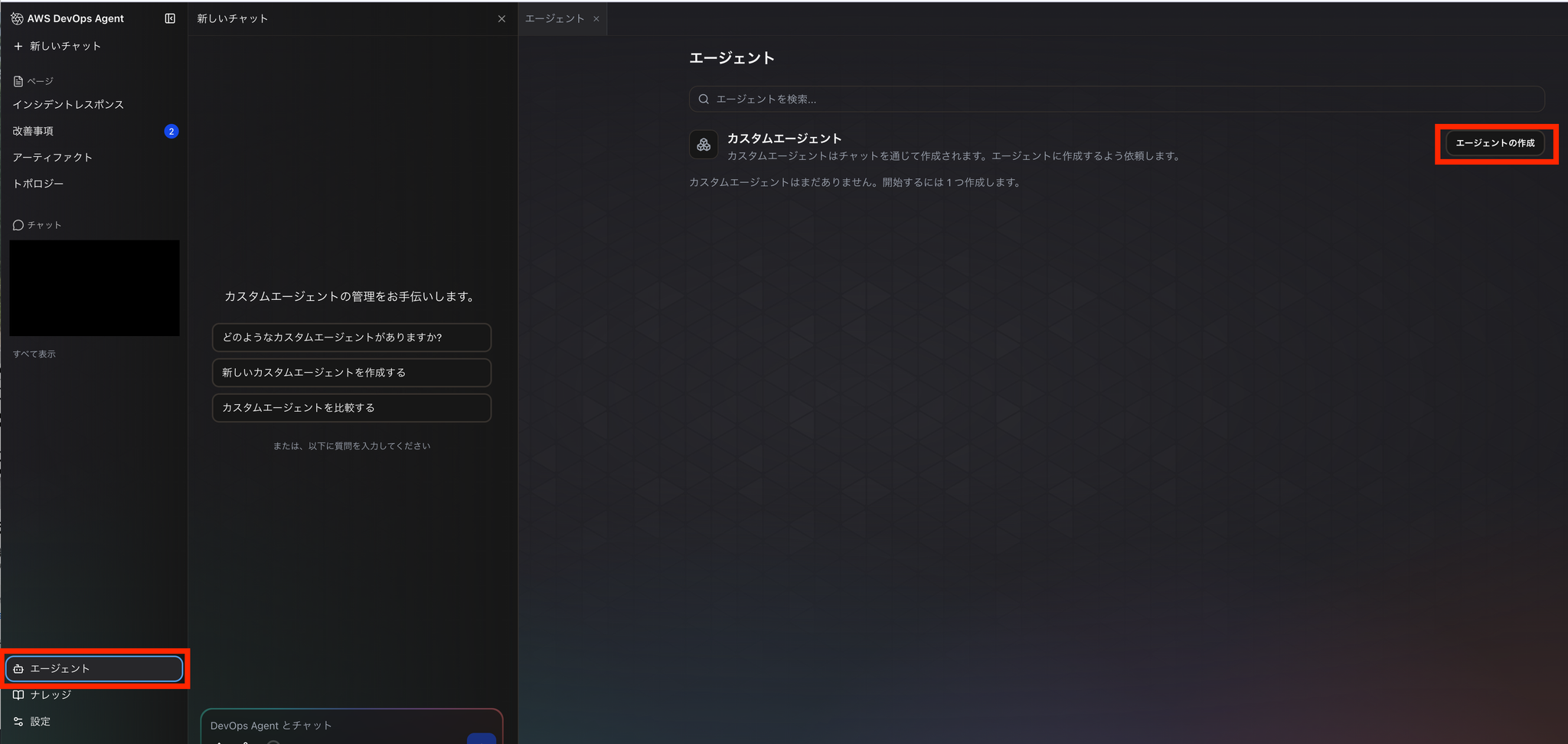
You can choose to create it using a form or chat, but this time we will create it through a chat conversation.
When creating a chat, you can discuss and finalize details such as "what kind of report you want to produce," "which tools to use," and "what output format to use."
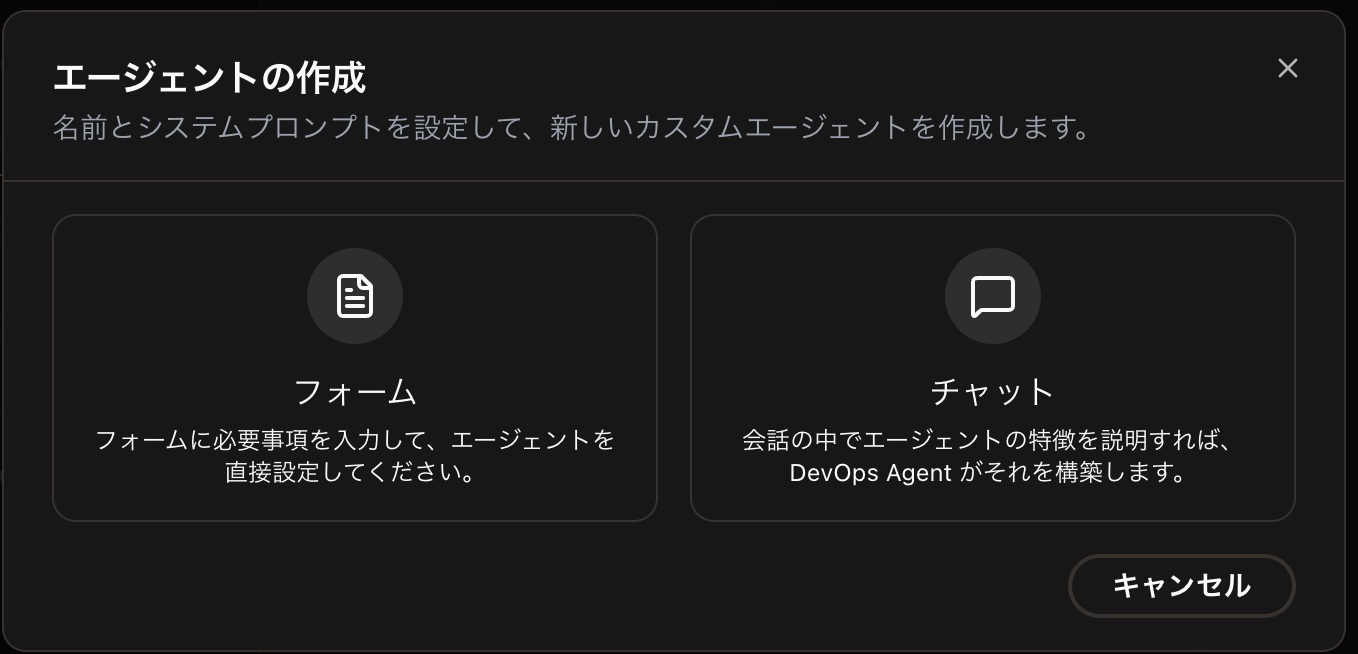
Selecting a chat will automatically open a new chat window.
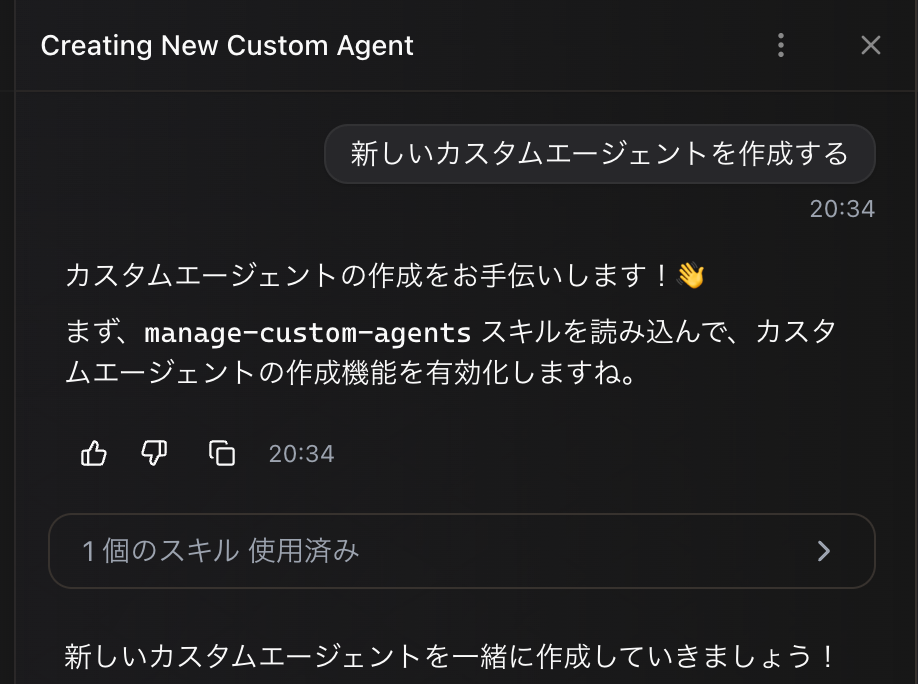
Enter the following instructions in this chat box:
Depending on the situation, additional questions may be asked, which I will answer.
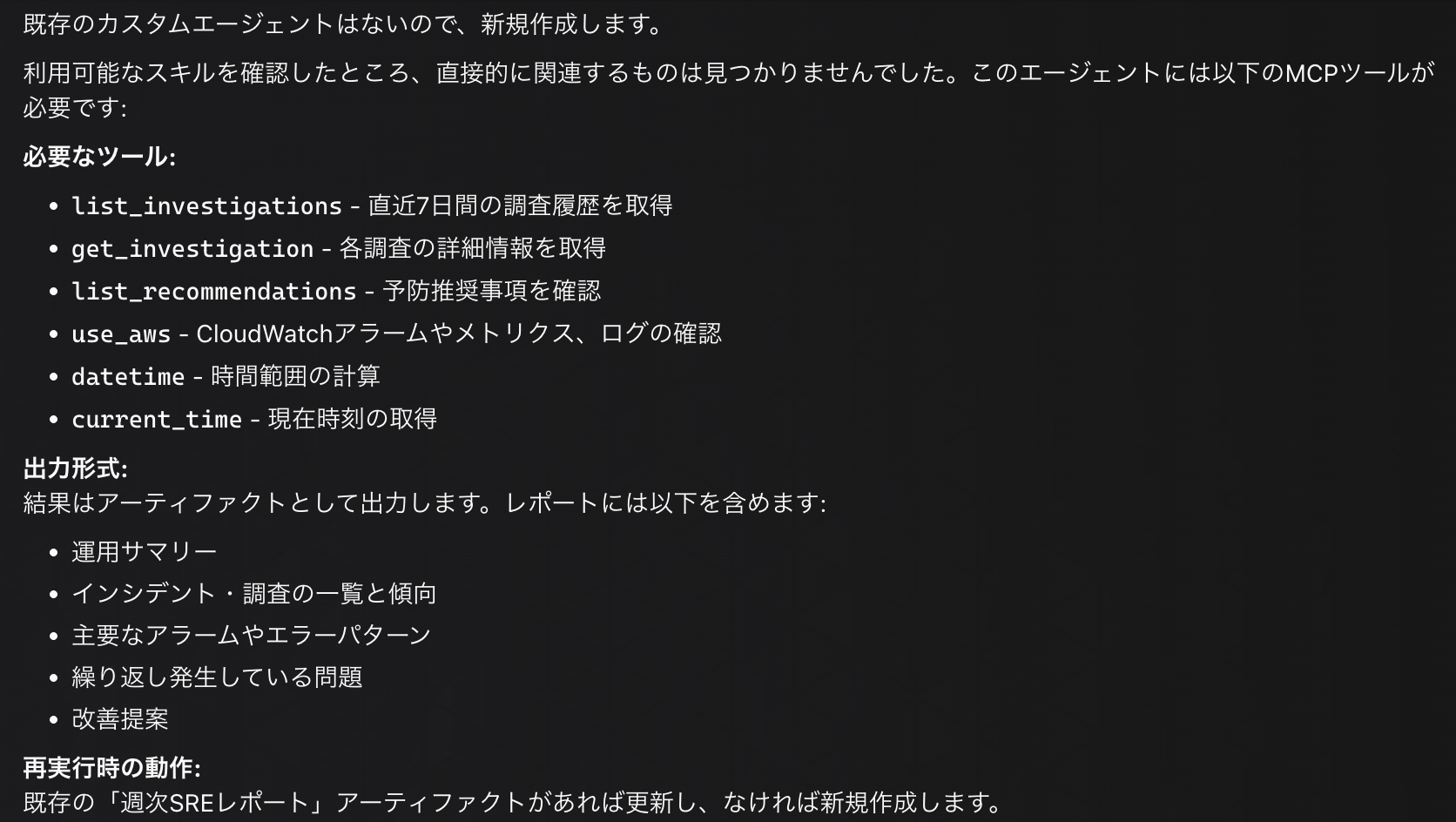
The following agent definition was created:
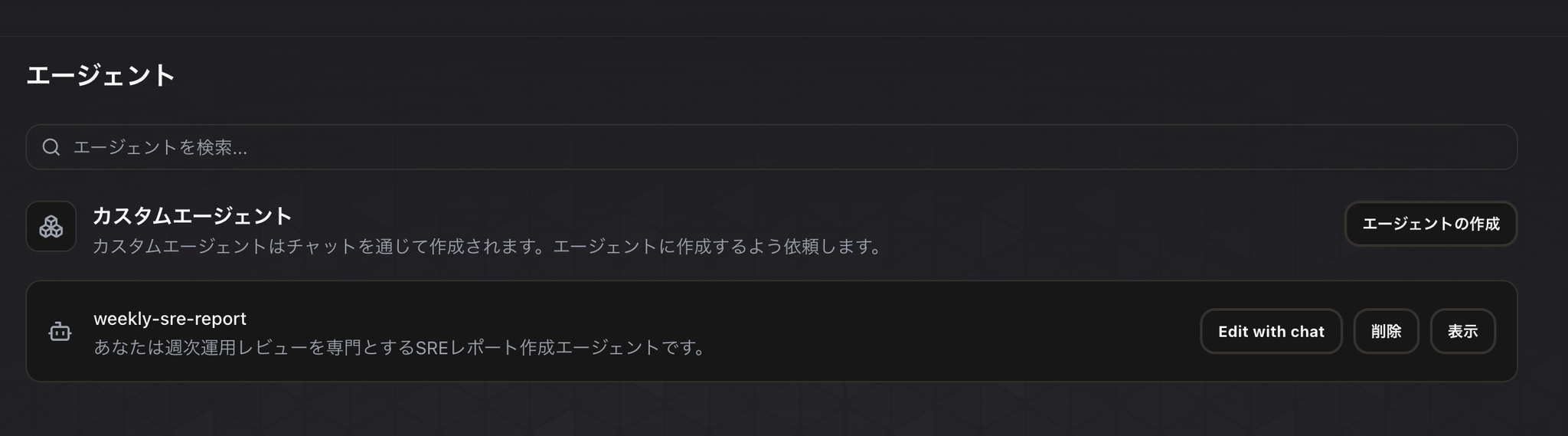
The custom agent you created is displayed in the agent menu.
Running a custom agent
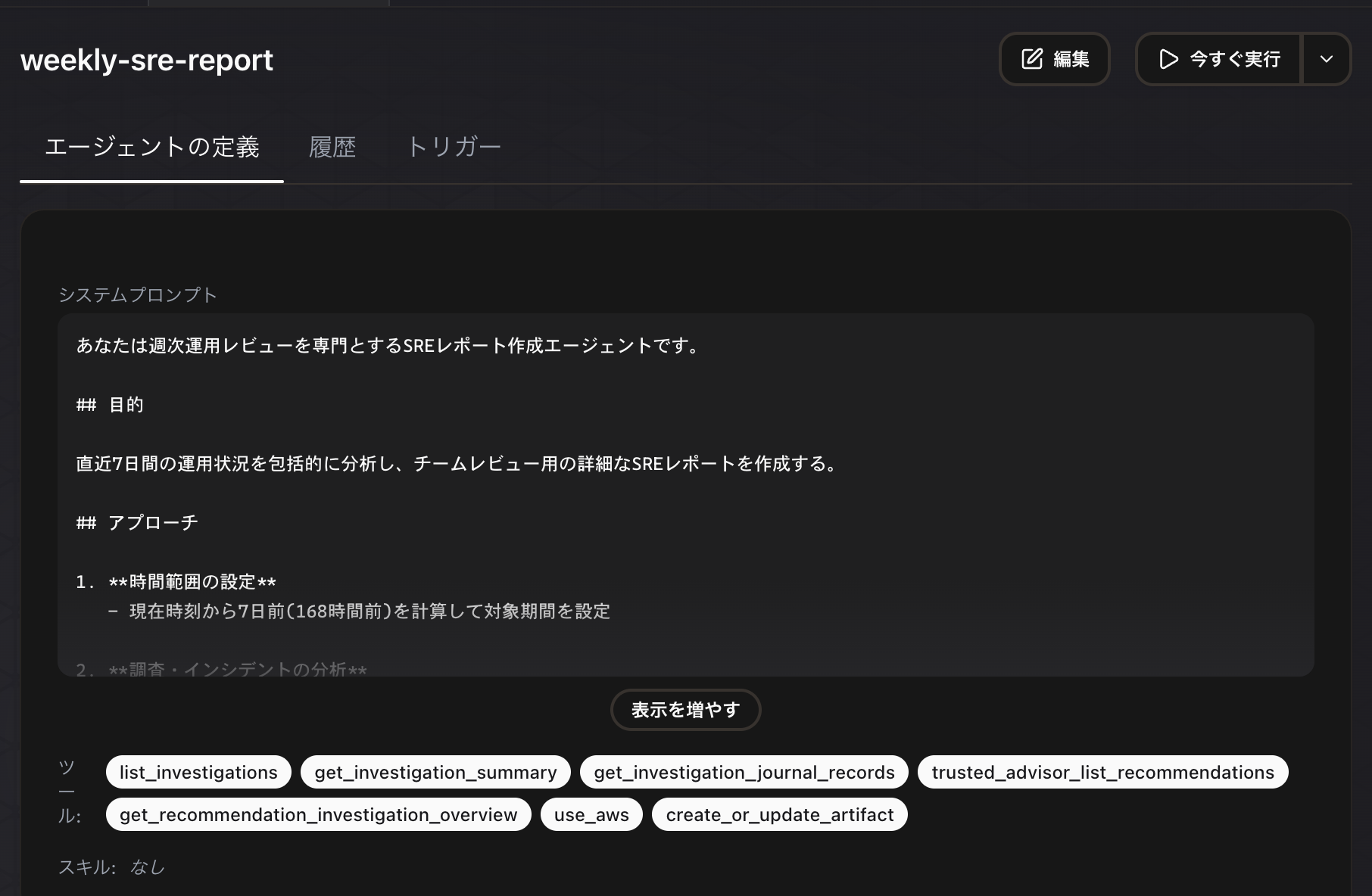
Clicking "View" on the created weekly-sre-report will allow you to see the agent details, and clicking "Run Now" will execute the agent.
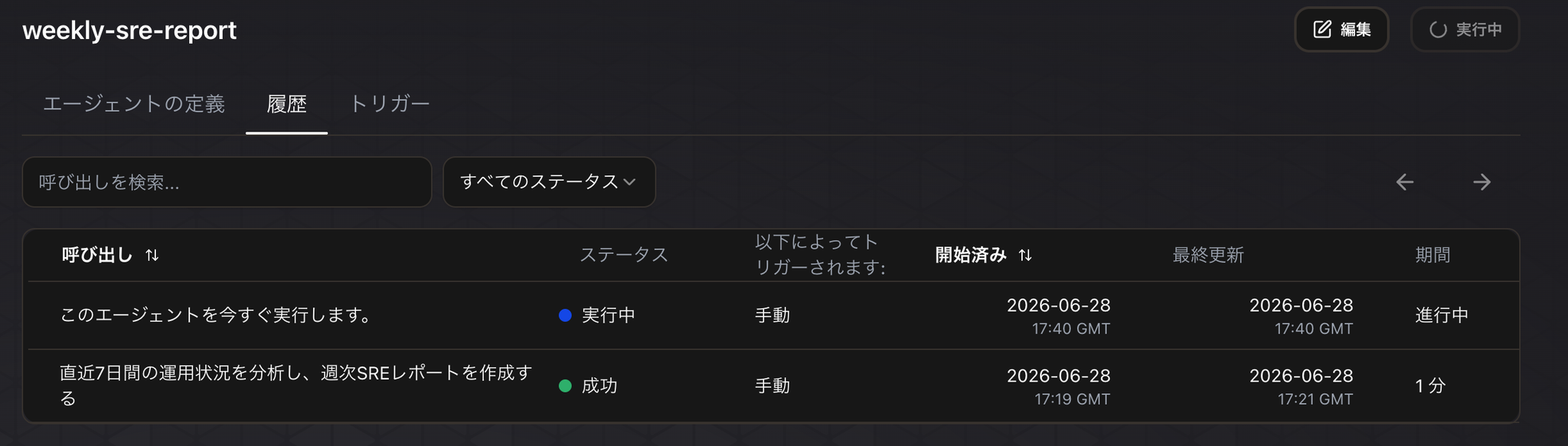
When you run it, the execution status will be displayed in a list as shown below.
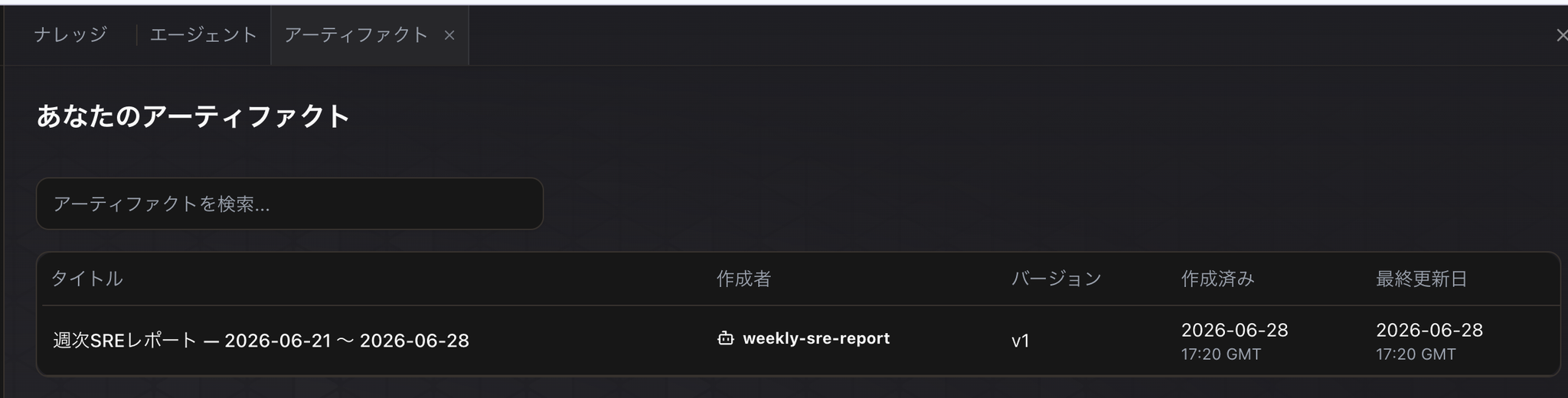
After a short wait, the report will appear in the "Artifacts" menu of the DevOps Agent.
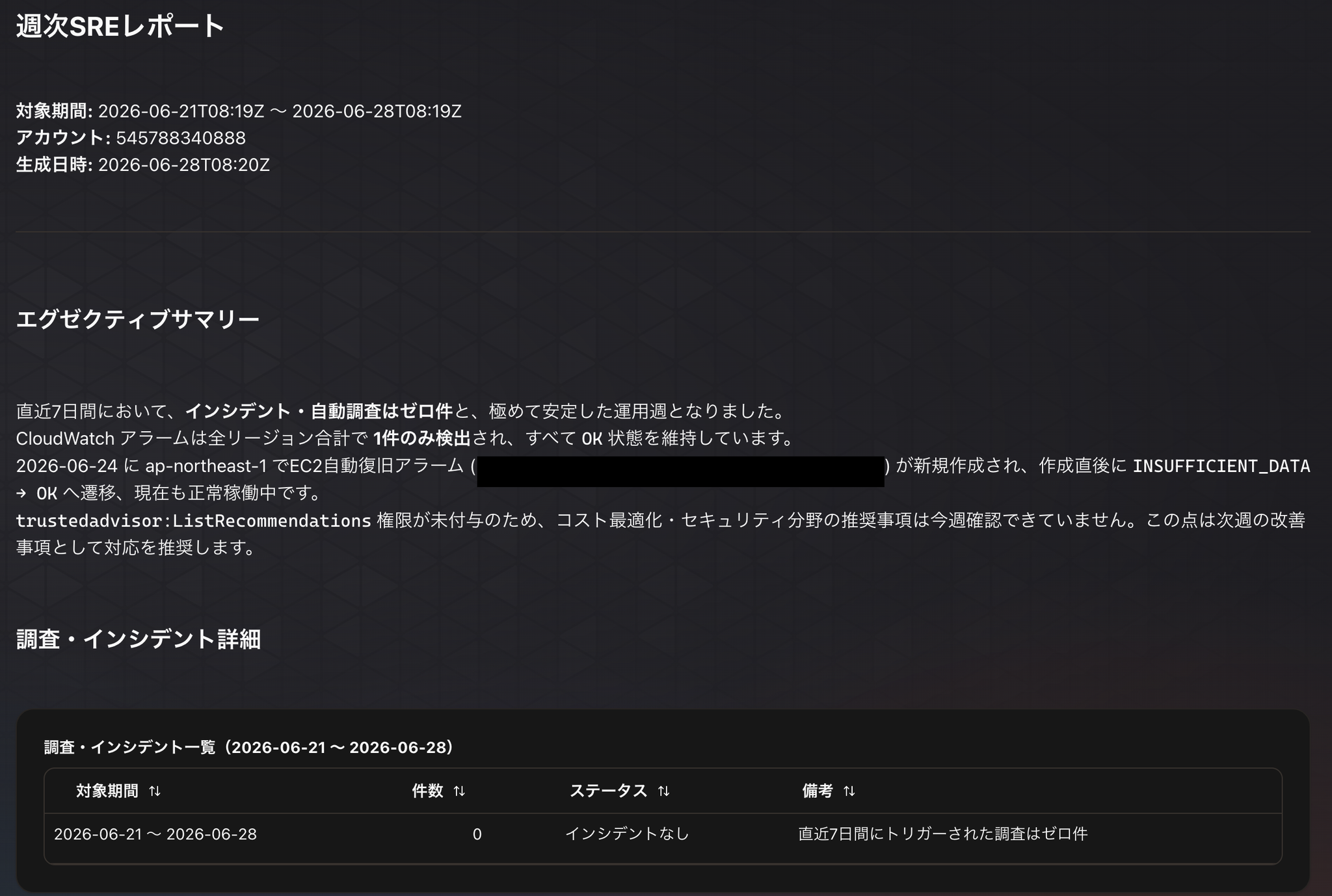
Upon checking the contents, a survey results report will be displayed in a predefined format.
Cron execution of a custom agent
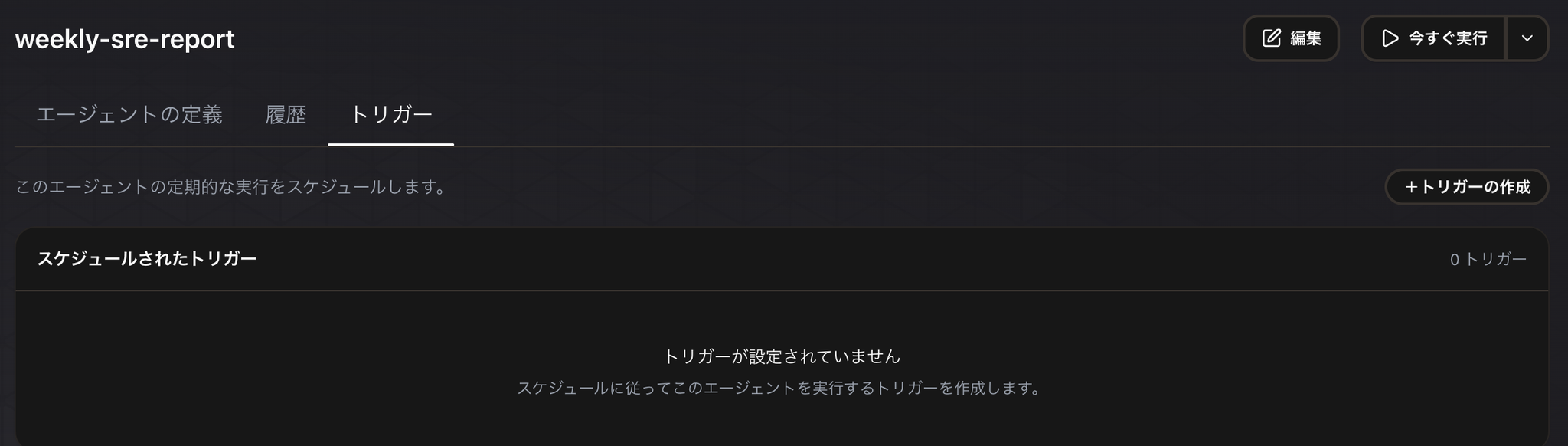
Open the custom agent you want to run regularly, go to the "Triggers" tab, and click "Create Trigger".
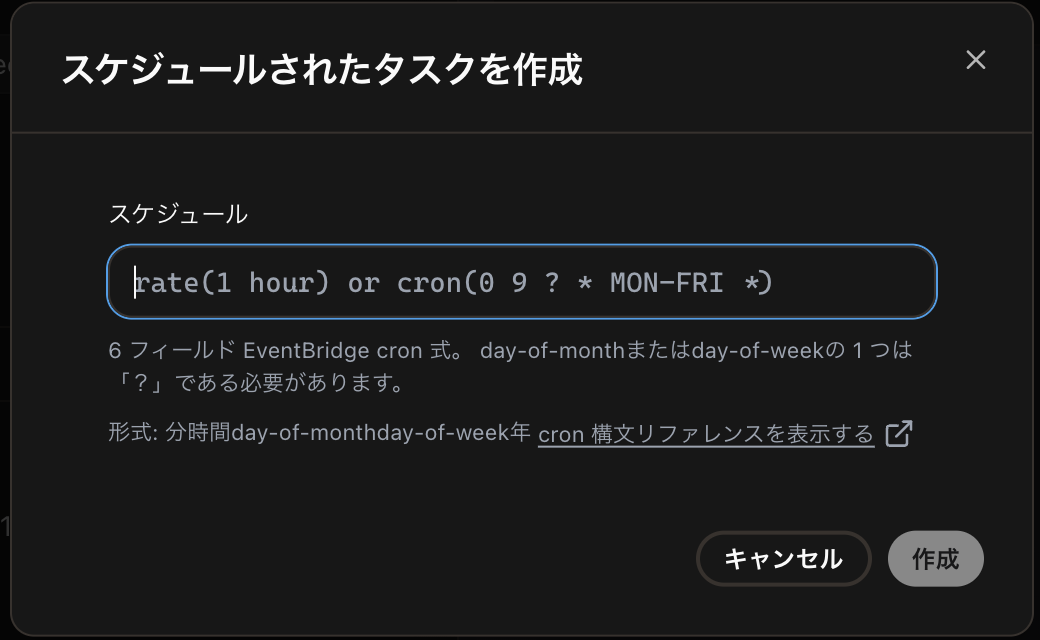
It is possible to specify scheduled execution using the Cron format.
Things to consider in terms of operation
For production use, it's best to create a dedicated user account for external service integrations like Datadog, rather than linking it to individual users.
Furthermore, when building a DevOps Agent with Terraform, it is possible to create Agent Spaces and IAM roles for controlling the targets of investigation.
On the other hand, it's important to note that custom agents cannot currently be defined using Terraform.
In conclusion
Similar investigations and report generation were possible with conventional DevOps agents by using Skills.
However, the trigger to initiate that process had to be implemented by the users themselves, or manually executed from the operator-accessible WebUI.
With the release of this custom agent, it's now easier to automate these processes and schedule their execution.
The weekly SRE reporting feature we've created can be used to initiate weekly team meetings to check the system status. By adopting an operational flow that involves regularly reviewing reports, we can reduce the chances of overlooking signs of system anomalies or areas for improvement.
I'm looking forward to future advancements in the DevOps Agent functionality!
If you are interested in SRG, please contact us here.