

Context is key. The "mcporter" tool for dynamic MCP imports is very useful.
Hasegawa from the Service Reliability Group (SRG) of the Media Management Division (@rarirureluis)is.
#SRGThe Service Reliability Group primarily provides comprehensive support for the infrastructure surrounding our media services, focusing on improving existing services, launching new ones, and contributing to open-source software (OSS).
This article explains how to centralize MCP settings, which tend to be scattered across multiple AI agents, using "mcporter," and significantly reduce the effort required to change settings for each tool.
"mcporter" is a centralized management tool for MCP settings.
The advent of MCPs has dramatically improved the convenience of integrating AI agents with external tools.
However, if you are using multiple AI tools such as Claude Desktop, Cursor, and Windsurf,"Every time a new MCP server is added, all agent configuration files are rewritten."Are you experiencing this kind of ordeal?
I started with Claude Code, then tried Codex CLI, Gemini CLI, droid, and now OpenCode, and I've tried various CLI tools.
When you're messing around with all sorts of CLIs like that, managing things related to MCP becomes a pain.
This time, we'll introduce a tool that centralizes such cumbersome management and is intended for developers who value context.mcporterWe will examine the following.
Current problem #1: The MCP context is way too big.
When using MCP, including all tool information in each agent's configuration file would result in an overly large context.
In particular, when multiple MCP servers are registered, the configuration file alone can contain hundreds of lines, increasing the amount of information the agent has to process and leading to a decrease in response speed.
mcporterCurrent problem #2: The "dispersion problem" in MCP configuration.
Currently, many coding agents and AI chat tools support MCP.
However, each tool has its own configuration file.
brave-searchclaude_desktop_config.json
- Cursor: Specify this in the Cursor settings screen or configuration file.
- Windsurf: Written in a custom configuration file. Opening and copying/pasting all these configuration files every time a new, convenient MCP server is released is extremely inefficient. It also causes the configuration files to become bloated and difficult to manage.
What is MCPorter?
mcporter.jsonIn other words,Proxy (intermediary) for MCP serversIt's like that.
https://github.com/steipete/mcporter
Main features
mcporter.json
- Import existing settingsIt also has a feature to automatically load configuration files for Cursor and Claude.
mcporter
Technical Verification: Installation and Configuration of mcporter
mcporter1. Preparing mcporter
npxAbout NPX security
Recent supply chain attacks necessitate increased defensive capabilities for engineers.
npx_safeBy the way, you can't execute Bash functions from the CLI, but you can enable this by adding the following file to your PATH.
config/mcporter.jsonexample:
mcpServersHere, I will list all the MCP servers I want to use.
2. Explain how to use MCP
Add the following content to AGENTS.md or CLAUDE.md, etc.
Trying out MCP via mcporter
Here, we'll try using spec-workflow-mcp.
When you invoke the steering creation process using a custom command, it uses mcporter according to the instructions in AGENTS.md and checks the available MCP servers and tools.
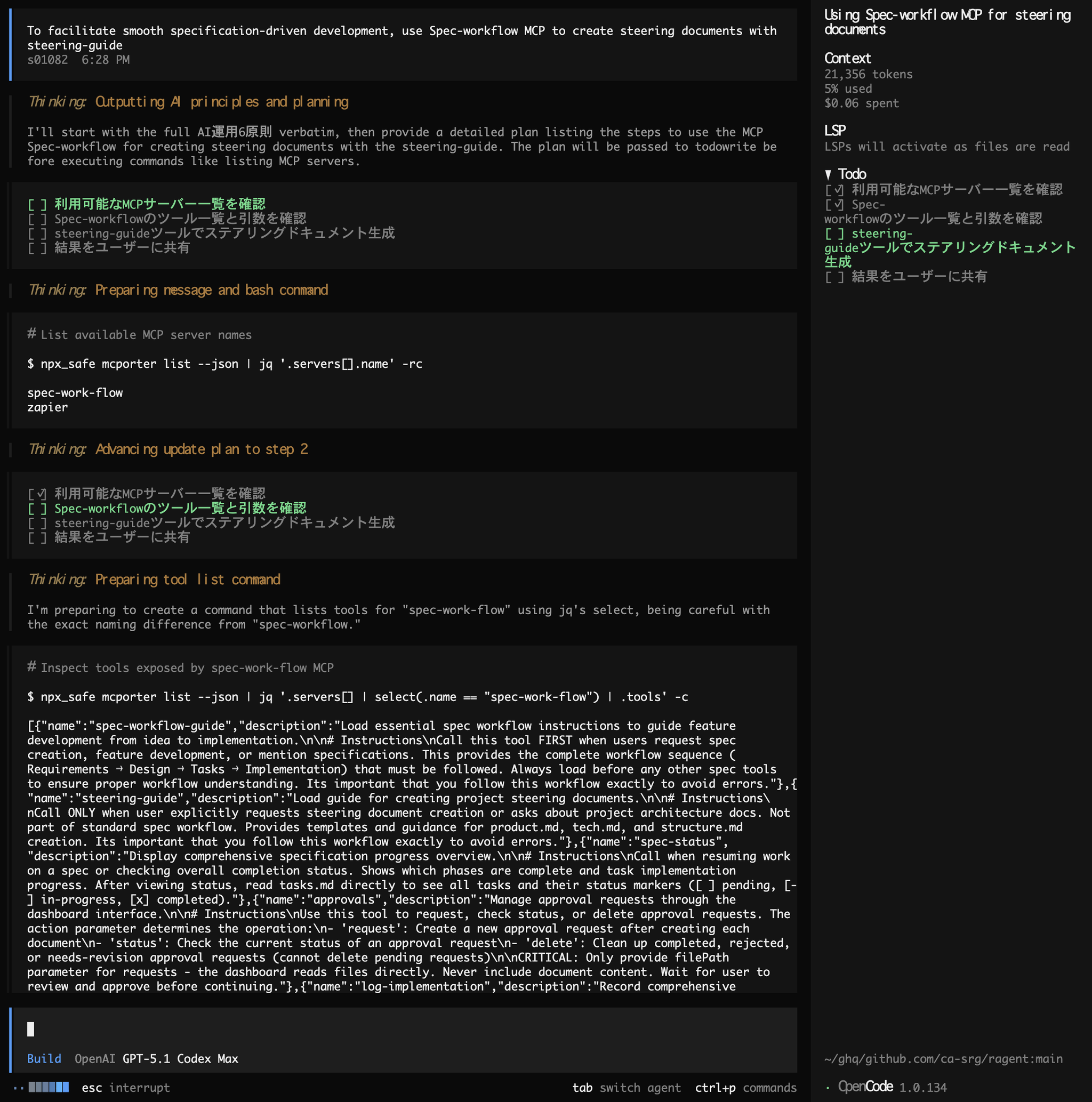
steering-guide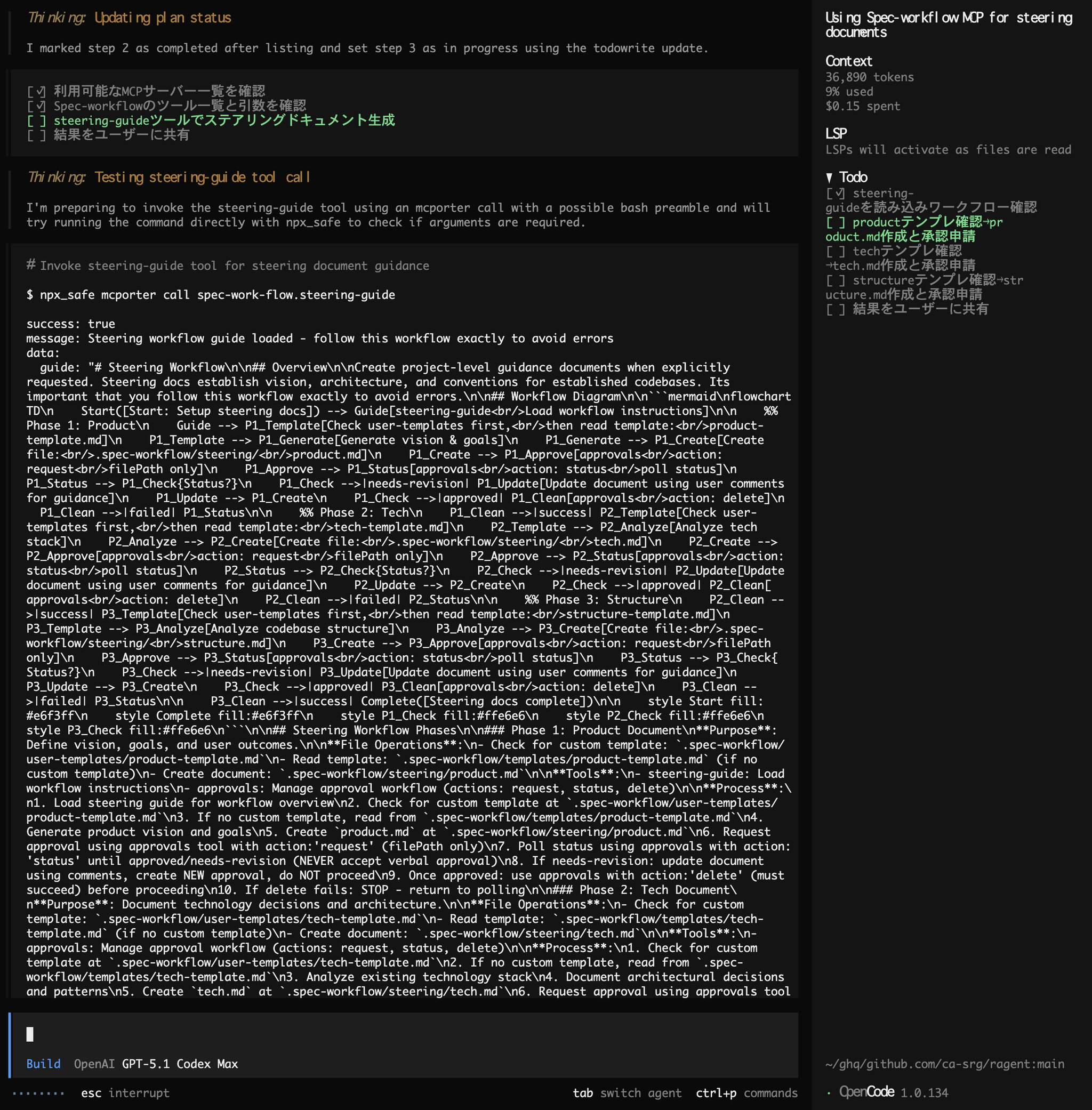
Summary of the benefits of implementation
1. Drastic reduction in management costs
This eliminates the confusion of wondering, "Where did I set up that tool?"
There's only one configuration file, and modifications only need to be made once.
2. Clean up agent settings
mcporterThis compresses the configuration description and significantly reduces the cognitive load associated with management.
3. Flexible configuration
imports4. Significant reduction in context
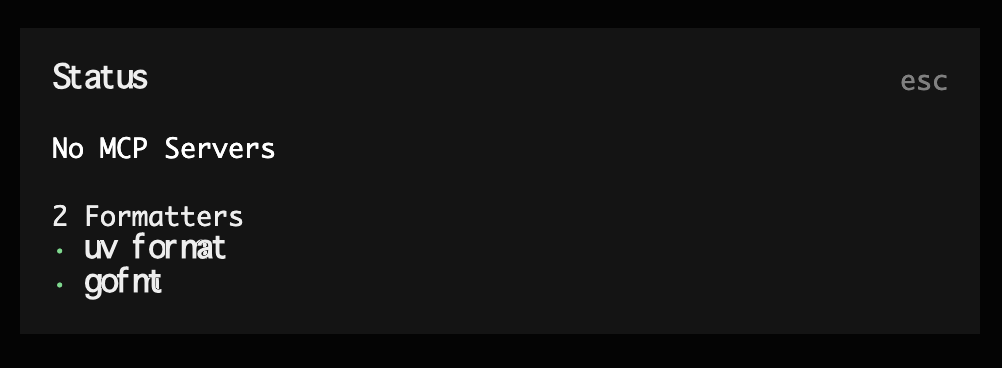
By simply adding instructions on how to use mcporter to AGENTS.md/CLAUDE.md, the number of MCP-related tokens used in the first session will be zero.
This reduces the context consumption when AI agents interpret prompts, allowing more execution context to be allocated to the actual task.
summary
A meticulous person might be able to perfectly synchronize all configuration files, but for many developers, that's a pain.
mcporterFurthermore, dynamic use of context can reduce the amount of context required.
mcporterOnce you've set it up, a comfortable MCP experience awaits you.
SRG is looking for new team members.
If you are interested, please contact us here.